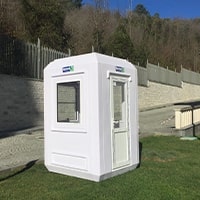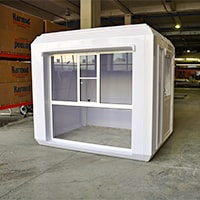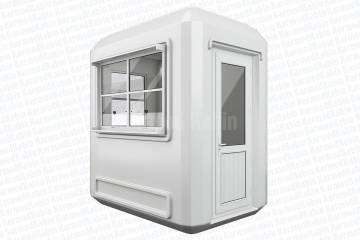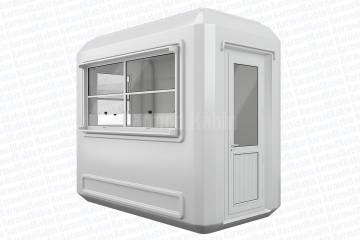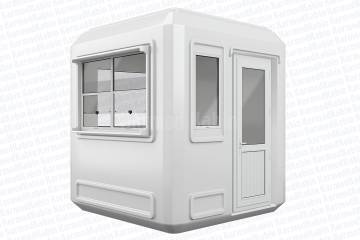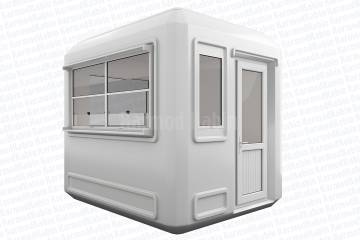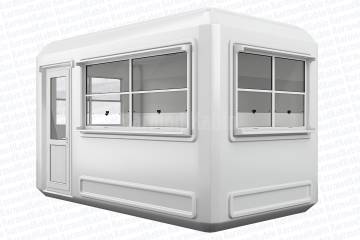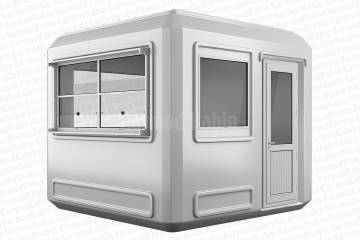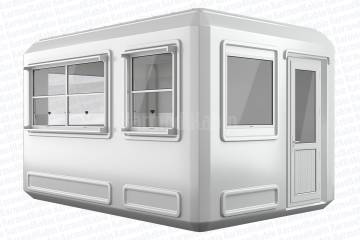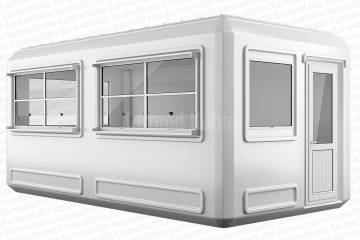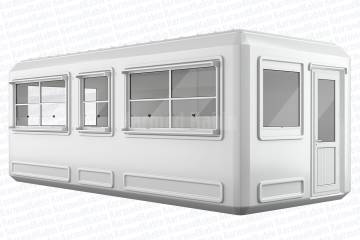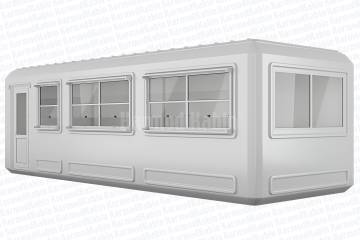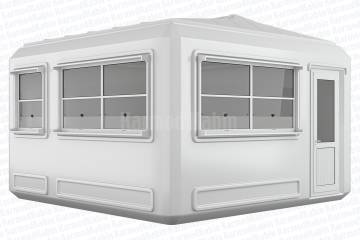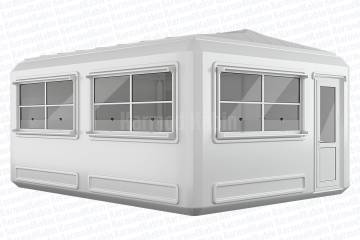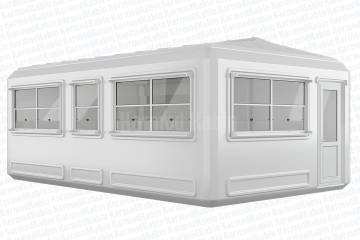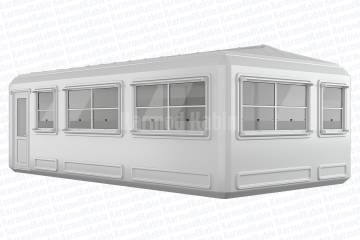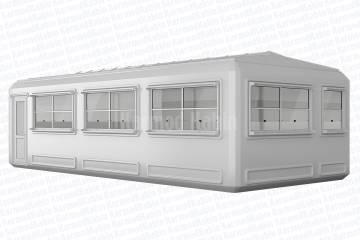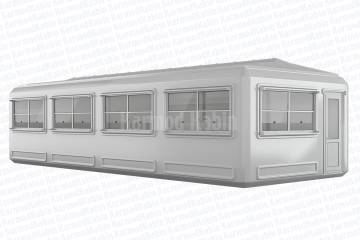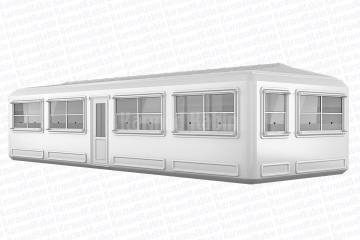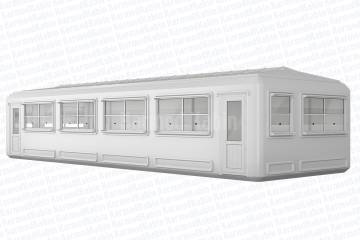

Installing a security kiosk is not just about placing a structure-it’s about creating a reliable point of protection that works seamlessly from day one. Whether it’s for a construction site, a factory entrance, or a residential complex, proper installation determines how effectively your kiosk performs in real conditions. A poorly leveled base, loose connections, or weak anchoring can compromise both comfort and security.
Modern prefabricated security kiosks are designed for quick and easy setup, but that speed should never come at the expense of precision. The goal is to ensure maximum protection, long-term stability, and operational efficiency through well-planned preparation and professional execution. From ground selection to electrical integration, every installation stage contributes to the durability and performance of your investment.
A correctly installed kiosk enhances security team efficiency, maintains safety standards, and reduces maintenance needs. With the right techniques and materials, your security kiosk can be ready for use within hours-fully functional, weatherproof, and built to last.
Every successful security kiosk installation begins with proper site preparation. Choosing the right location ensures not only structural stability but also operational efficiency for the guards inside. The kiosk should be positioned to give clear visibility of entry and exit points while allowing safe vehicle and pedestrian movement. Avoid areas with uneven terrain, excessive moisture, or poor drainage-these conditions can lead to long-term stability issues and premature wear.
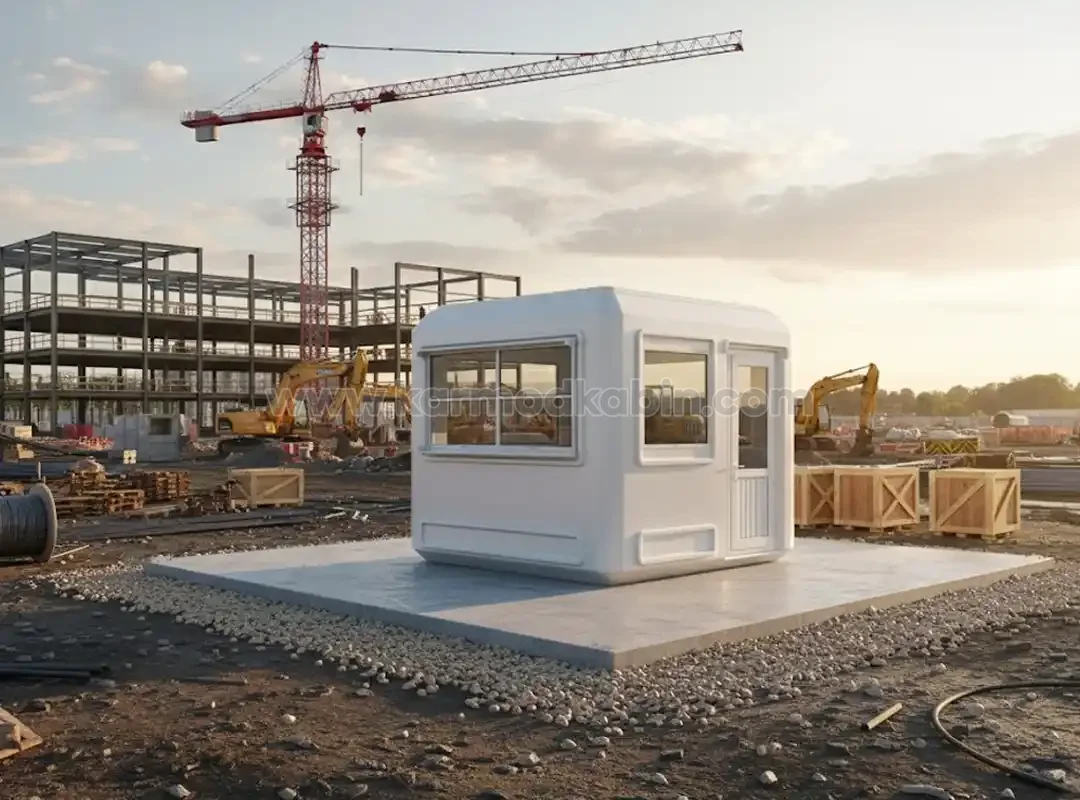
Before placing the kiosk, the ground should be leveled and compacted to create a stable base. A thin layer of gravel or crushed stone helps with drainage and prevents surface water accumulation. For permanent installations, a reinforced concrete foundation or steel plate base is recommended to anchor the unit securely. This foundation minimizes vibration, prevents shifting during heavy winds, and extends the lifespan of the kiosk.
Additionally, planning access for electrical, data, and plumbing lines at this stage avoids future disruptions. Position conduit points near corners or side panels for easier connection later. A few extra minutes of preparation here ensure your security kiosk remains solid, aligned, and functional for years of daily use.
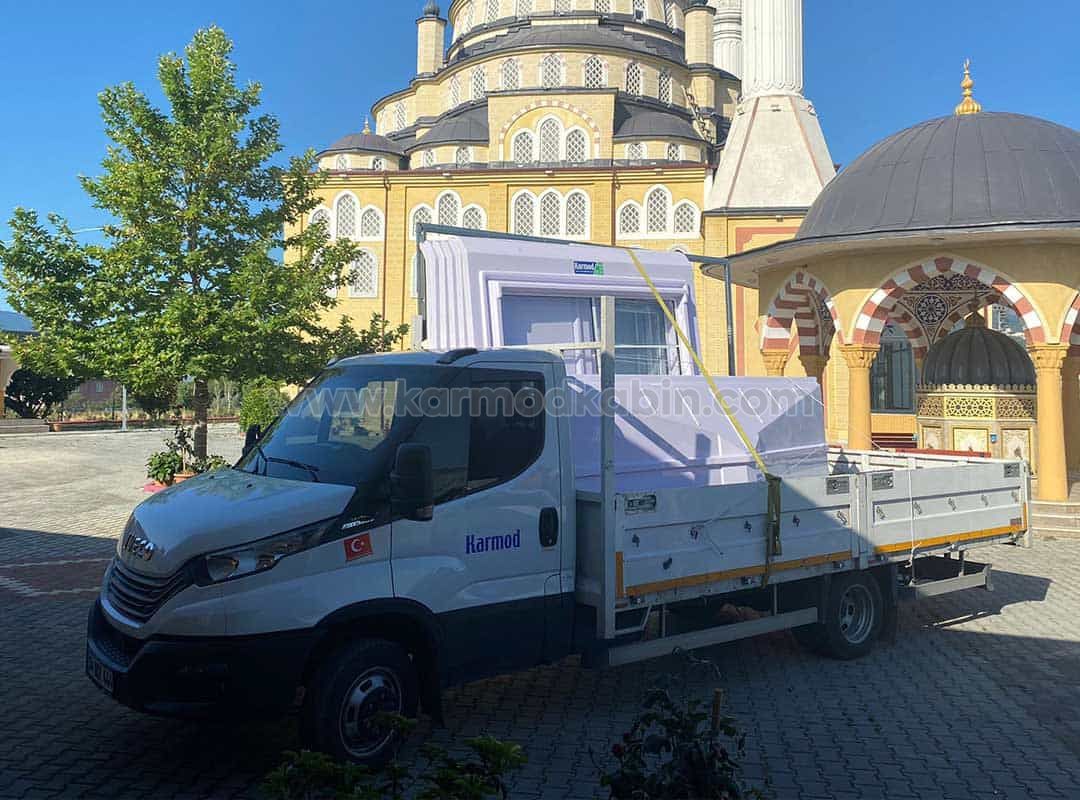
Once the base is ready, the delivery and offloading phase begins-a critical step where coordination and safety come first. Security kiosks are typically delivered as fully assembled modules or flat-packed systems, depending on their size and configuration. Using cranes or forklifts during offloading requires careful handling to prevent structural damage, especially to roof corners and underframes.
Before lifting, check that the equipment capacity matches the kiosk’s weight and that lifting points are clearly marked by the manufacturer. Ensure that no personnel stand under or near the load while it’s suspended. All movements should be slow, steady, and supervised by a qualified operator. When lowering the kiosk onto the prepared foundation, confirm that it aligns perfectly with anchoring bolts or support pads.
Offloading safety checklist:
Following these steps ensures a safe, damage-free installation and protects your investment from the very start.
Once your security kiosk has been safely offloaded, proper leveling and anchoring are essential to ensure structural stability and long-term performance. Even a small misalignment at this stage can cause door jamming, water leakage, or uneven load distribution. Using a spirit level, check the kiosk’s alignment in all directions before proceeding. This guarantees that doors, windows, and internal fittings operate smoothly once installation is complete.
Anchoring is the next critical step. Permanent setups typically use anchor bolts fixed into concrete pads or steel base plates, while portable installations can rely on heavy-duty anti-vibration pads that stabilize the unit without damaging the surface. Anchoring not only prevents movement due to wind or vibration but also increases the kiosk’s resistance to external impacts-an important safety feature in high-traffic zones.
If your kiosk is installed on soft or sloped ground, additional steel shims or adjustable base supports can be used for fine leveling. These help distribute the structure’s weight evenly and prevent deformation over time. A properly leveled and anchored kiosk not only looks professional but also performs flawlessly for years, even under heavy daily use.
A modern security kiosk is more than a shelter-it’s a mini control center equipped with lights, cameras, monitors, and communication systems. That’s why a reliable and well-planned electrical setup is essential. All cabling should follow safety standards and be installed through pre-defined conduit points provided by the manufacturer. Avoid open or loose wiring; it not only looks unprofessional but can also pose a fire hazard.
Grounding (earthing) is one of the most important elements to prevent electrical shock and equipment damage. Use certified grounding rods and make sure the connection points are properly insulated and labeled. Where possible, use a separate breaker panel inside the kiosk to manage lighting, sockets, and HVAC systems independently.
Essential electrical setup checklist:
With proper electrical planning, your security kiosk becomes a safe and efficient workspace ready for 24/7 operation.
Comfort directly impacts alertness. A guard working long hours in a poorly ventilated kiosk is more likely to experience fatigue, slower reaction times, and discomfort-factors that compromise overall security efficiency. That’s why proper HVAC installation and airflow design are critical components of a professional security kiosk setup.
When installing the air conditioning unit, it should be positioned to allow balanced airflow across the entire kiosk, without blowing directly onto workstations or windows. Wall-mounted split systems are the most efficient choice for small and medium kiosks, providing both heating and cooling with minimal energy consumption. For larger or double-unit kiosks, ceiling cassette systems can evenly distribute conditioned air.
Equally important is ventilation. Incorporating air vents or mechanical exhaust systems ensures continuous air circulation, reducing humidity and odors during extended use. Properly sealed yet ventilated designs help maintain ideal indoor air quality while minimizing heat loss.
To maximize efficiency:
A well-balanced HVAC and ventilation system doesn’t just make your guards comfortable-it ensures continuous vigilance, smoother communication, and higher morale during 24-hour operations.
Once the kiosk is climate-controlled and powered, the next step is integrating safety and surveillance systems. These technologies turn the kiosk into a true command post, enabling guards to monitor, control, and react effectively. Pre-wired security kiosks simplify this process, as most are designed with built-in conduits and ready-to-connect panels for power and data lines.
Installing CCTV cameras around the perimeter provides full coverage of entry points. Each camera should have a clear line of sight, avoiding direct glare from lights or reflective surfaces. Inside, monitor screens and alarm panels must be mounted at ergonomic eye level for easy observation. Smart locks and access control panels can be connected to the same system, giving guards central control without leaving their post.
Recommended integration checklist:
By integrating these systems during installation-not afterward-you save time, reduce costs, and ensure your security kiosk operates as a unified, intelligent protection system.
A well-installed security kiosk should be ready to face years of exposure to rain, sun, wind, and temperature fluctuations. Even the strongest frame can fail prematurely if sealing and finishing details are neglected. Weatherproofing is the final barrier that protects both the structure and the people inside, ensuring long-term performance with minimal maintenance.
Start by inspecting every external joint-between panels, around windows, and at roof edges. Apply high-quality silicone or polyurethane sealants to prevent moisture infiltration. For steel kiosks, anti-corrosion primer and topcoat paint provide additional protection against humidity and salt air, especially in coastal or industrial zones. Composite and sandwich-panel models may require edge trimming or joint tapes for perfect sealing.
Once sealing is complete, move on to the finishing touches that define the kiosk’s final look and function. Install skirting trims, corner guards, and drainage caps to direct water away from the base. Check door and window gaskets for elasticity and proper closure. Add reflective markings or LED perimeter lights to increase night-time visibility and safety.
These seemingly small details make a major difference: they keep interiors dry, maintain insulation efficiency, and reinforce the kiosk’s professional appearance. A weatherproof, well-finished guard hut not only lasts longer but also projects reliability-an immediate reflection of your organization’s commitment to safety and quality.
Before handing over the kiosk for operational use, a full testing and commissioning phase is essential. This ensures that every system-electrical, mechanical, and structural-is performing as designed. Begin with visual checks: verify that doors and windows open smoothly, insulation is intact, and seals are fully cured.
Next, test all electrical circuits and lighting under load. Confirm that outlets, switches, and distribution boards are properly labeled and grounded. Turn on HVAC systems to check airflow and temperature stability. Run CCTV cameras and access control devices to ensure real-time functionality and uninterrupted communication.
Commissioning checklist:
Successful commissioning provides peace of mind: your security kiosk is fully functional, compliant, and ready for 24/7 protection. This process also marks the transition from construction to operation-where your investment begins delivering real value.
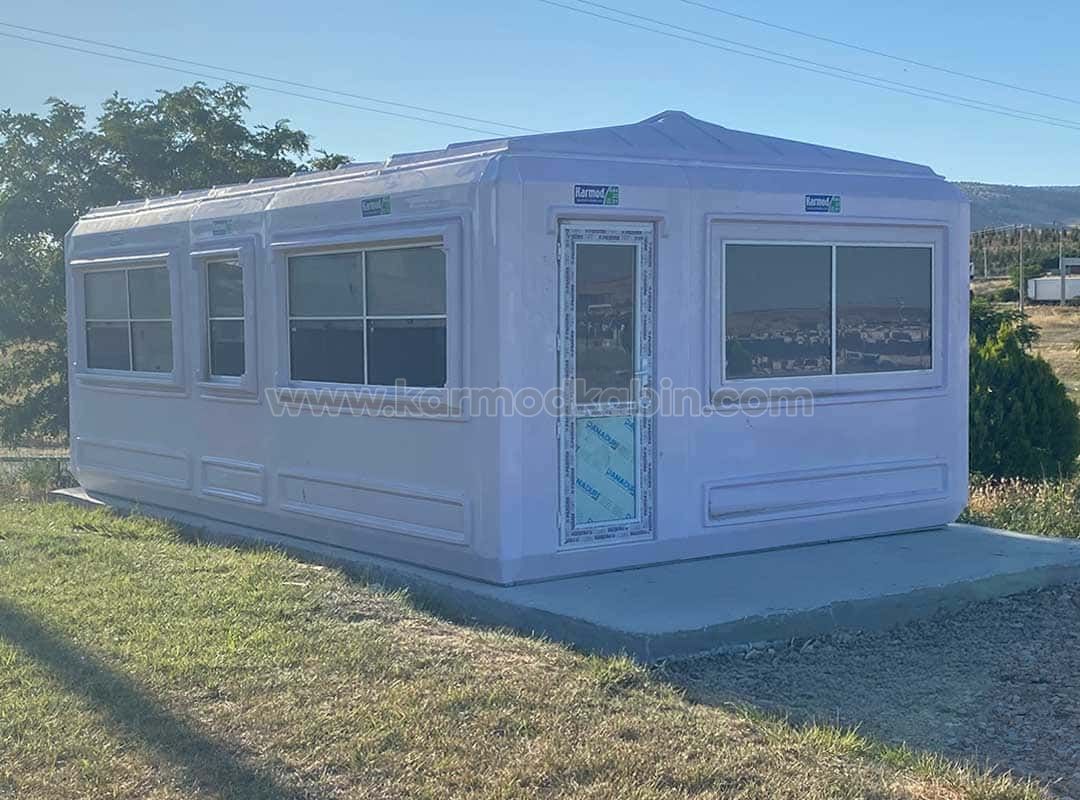
Once your security kiosk is fully operational, proper maintenance becomes the key to preserving its durability and appearance. Routine care not only extends the kiosk’s lifespan but also prevents unexpected breakdowns that can interrupt daily security operations. Regular inspection of structure, seals, and systems ensures that the booth performs efficiently in all seasons-rain, heat, or frost.
Begin with visual inspections every few weeks. Check the roof for debris buildup, make sure drainage holes are clear, and verify that wall panels and window joints remain perfectly sealed. Dust and dirt on ventilation grilles or air-conditioning filters can affect performance, so these should be cleaned frequently. For steel-framed kiosks, a quick coat of touch-up paint on scratched areas prevents corrosion and maintains the professional look that clients and visitors notice immediately.
Recommended preventive maintenance schedule:
Simple, planned maintenance keeps your security kiosk looking new and performing flawlessly. It also preserves energy efficiency, reduces noise, and prevents costly repairs-ensuring maximum return on your investment for years to come.
Even the best materials can underperform if installed incorrectly. Common mistakes during security kiosk installation often come from rushing or ignoring site conditions. Uneven ground leads to door alignment issues and water pooling, while skipping proper grounding can result in electrical hazards or equipment damage. Similarly, poorly sealed joints allow moisture ingress that weakens insulation and promotes corrosion over time.
To avoid these issues, always follow manufacturer guidelines and involve trained technicians for electrical and structural tasks. Never attempt shortcuts during anchoring, leveling, or wiring stages-these are the foundation of a safe and durable kiosk. Using proper tools, following torque specifications, and performing post-installation checks ensure every component functions as intended.
A carefully installed and maintained kiosk operates flawlessly for years. Avoiding these early missteps saves you from future downtime, costly repairs, and safety risks-allowing your team to focus on what truly matters: protecting your site efficiently.
A well-built security kiosk is more than a quick shelter-it’s a critical part of your safety infrastructure. Choosing a high-quality, factory-engineered model ensures precision, efficiency, and long-term durability. When purchased directly from the manufacturer, your kiosk arrives ready for immediate installation-pre-wired, insulated, and fully tested for all weather conditions. That means faster setup, lower labor costs, and guaranteed compliance with modern safety standards.
Our production team designs and delivers turn-key security kiosks that combine heavy-duty steel construction, advanced insulation, and ergonomic comfort. Each unit is carefully engineered for quick installation and maximum protection, allowing your security personnel to start operating within hours of delivery.
Whether you’re securing a construction site, a corporate facility, or a residential complex, we provide tailor-made solutions that balance safety, design, and value.
Why choose our kiosks:
Invest once, protect for years. Contact us today to get your custom security kiosk designed, delivered, and installed-fast, secure, and built to last.

Leading manufacturer in modular cabin since 1986.
 EN
EN